Inktober 2023 and Krita's animated brushes
Inktober 2023 is over, and due to a lack of free time, I decided to do this one digitally in Krita.1
Here are some top picks from it:
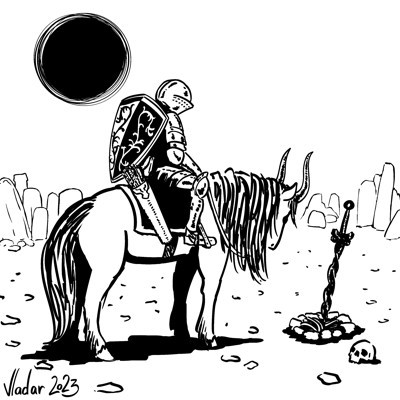
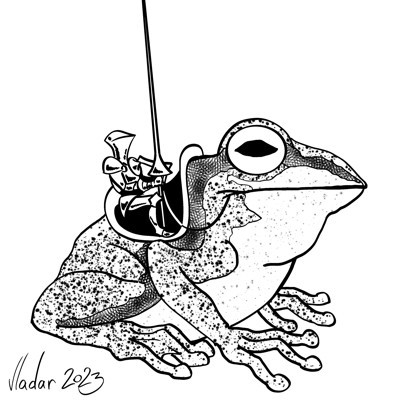

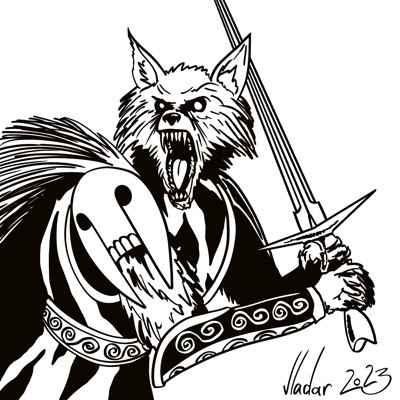
You can see the whole set here.
Most of the work was done with the Nylnook Ink Large Charlie G  brush from the Nylnook's bundle.2
As a bonus, here's a quick guide to Krita's animated brushes, since I've created one to draw all the spiders for the "Spiders" entry.
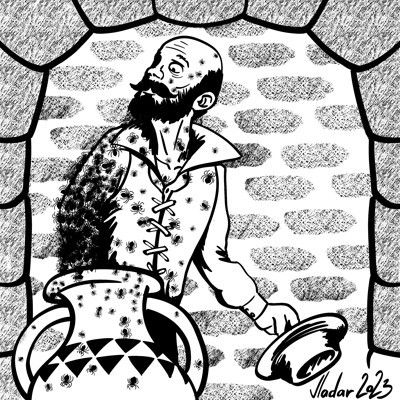
- Create an empty Krita document. For each "frame" of your brush, create a separate layer and draw its shape in black.
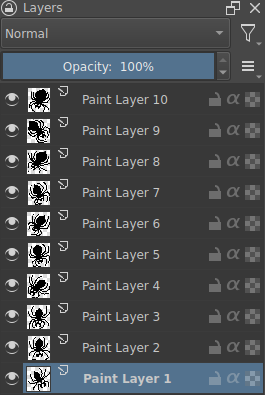
Select a stamp brush to modify (I used
z) Stamp Leavesfrom the default Krita resources) and pressF5to openEdit brush settingswindow.Below the
Predefinedbrush tip list, there is a+ Stampbutton. When nothing is selected, it will use the whole current image as a new stamp brush tip. Press it to openStampdialogue window. While in it, name your new stamp and, most importantly, selectAnimatedstyle. When you clickSave, it will be added to the list ofPredefinedbrush tips.
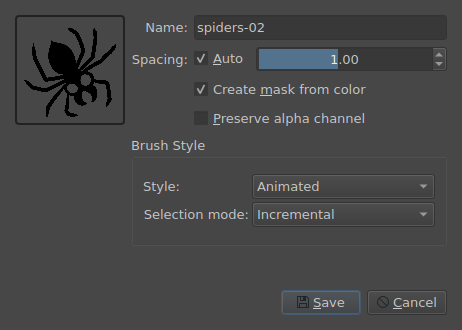
- Select its
Size,Rotation, andSpacingaccording to your needs. You can test the brush using theScratchpadpanel in theEdit brush settingsdialog.
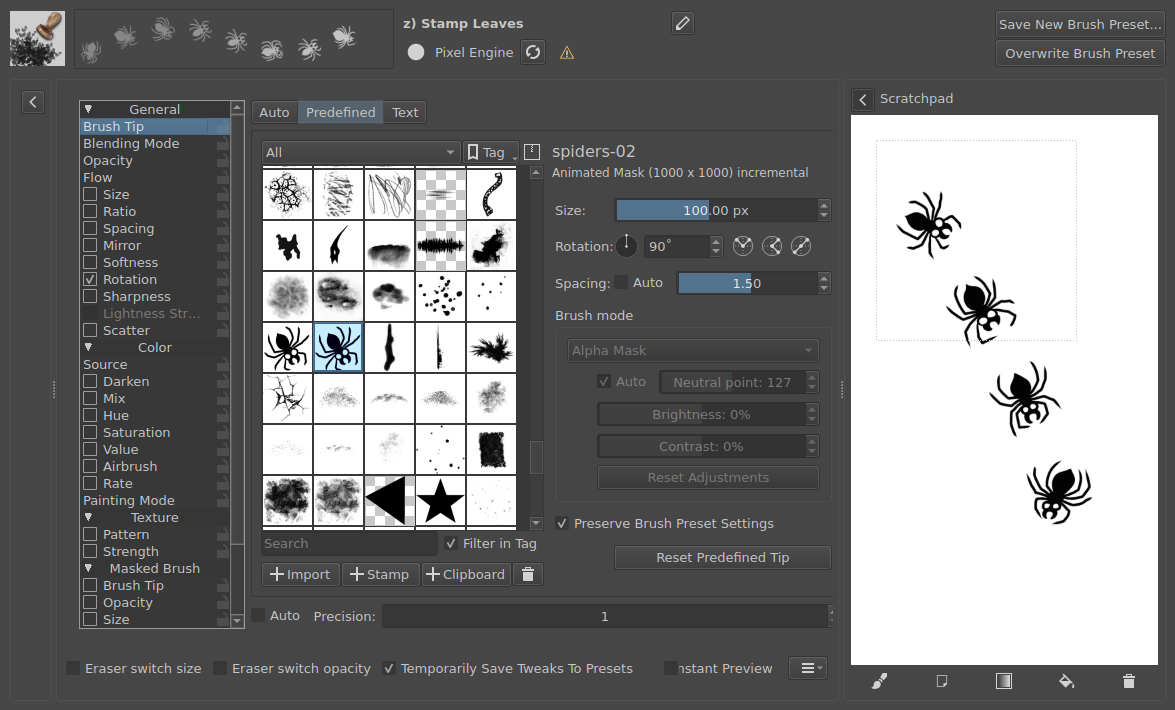
📝 NOTE: If you want to save the new brush for later use, don't forget to give it another name to not overwrite the original brush.
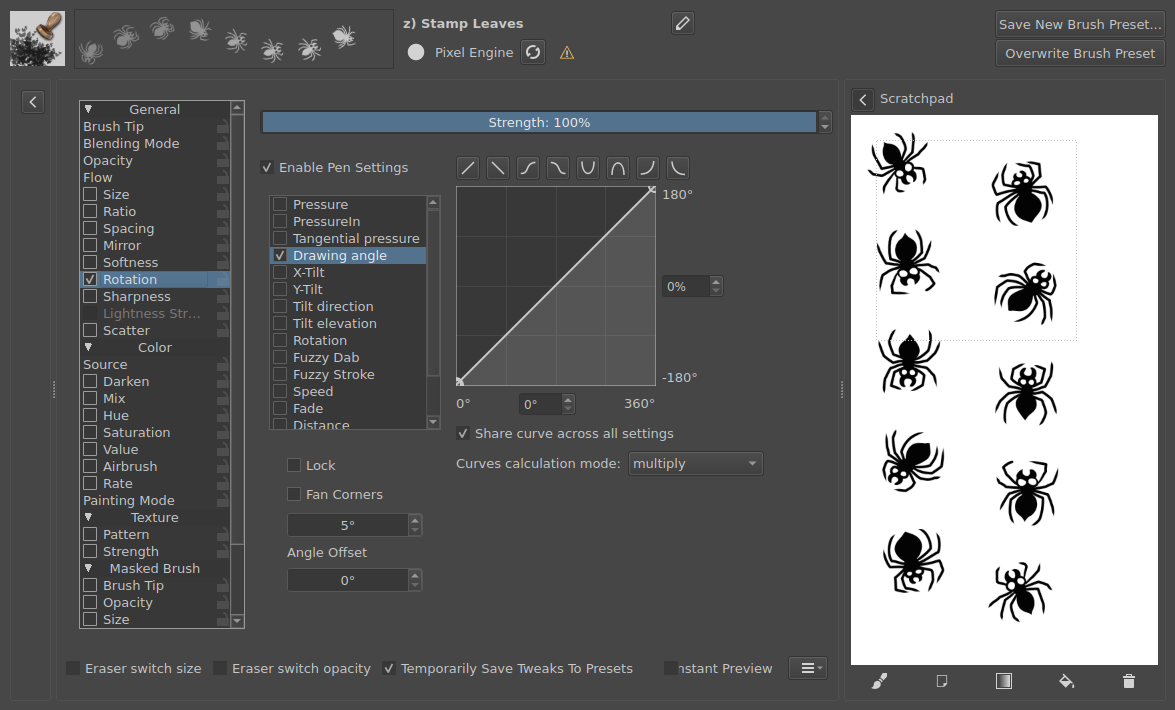
- To make the spiders follow the drawing direction, select check marks for
Rotationtab and inside it — forDrawing angleoption. Uncheck the options you don't need.
Discuss this post on Reddit